Describe the work before judging the room
A desk in a property photograph can make work requirements seem settled. But will you write for hours, compare several documents, join daily video calls or briefly answer evening emails? Each activity needs different surfaces, seating and quiet. Before choosing, list your three most common work activities and ask management for related information. This is more precise than simply asking whether a room suits remote work.
Include working hours in the comparison. One day a week handling documents in the room differs from hardly leaving throughout the month. The latter may need dependable desk access, a dining area and clearer transitions to rest; the former might give more weight to the commute. Do not replace the work you will actually do with an ideal checklist containing every possible amenity.
For specific security, connection or confidentiality requirements, consult your company before determining housing conditions. The provider can explain available equipment; the company must define environments suitable for its information. Separating responsibilities and sources avoids discovering after arrival that the arrangement you considered convenient conflicts with work rules.
Judge the desk by use, not size alone
Before booking, confirm furniture details, socket positions and lighting, requesting information that conveys scale where needed. You need to know whether your computer, documents and essentials fit sensibly, not just whether the desk looks attractive. If bringing extra equipment, consider luggage, usage rules and departure handling rather than turning a short stay into a large transport exercise for an ideal workstation.
Set up the basics after arrival, then assess them during real work. Put frequently used items within easy reach and adjust sightlines, light and seating according to comfort. If the chair or fixed equipment differs from expectations, ask management what assistance is available instead of modifying or moving unsuitable facilities. The first setup helps you understand conditions; it need not be perfect immediately.
If the table also serves meals, establish a regular place for work equipment. Bring out essentials at the start and return them before eating or resting so the same surface becomes usable again. A brief procedure is easier to maintain. Small spaces do not always need more furniture; sometimes fewer simultaneous uses, each with a clear beginning, are enough.
Test connectivity against actual work
A Wi-Fi label supplies one equipment fact, not a complete answer to every work requirement. Ask about available connection methods and known conditions before booking, then test the company’s meeting, file and system tools after arrival. Opening one webpage does not guarantee every future meeting. Actual use can vary with devices, timing and other factors.
If a problem occurs, record the time, situation and nature of the error or interruption, then contact the appropriate support channel. Specifics can help distinguish room connectivity, personal devices and company systems without you declaring a cause prematurely. Follow internal rules for accounts and information, and keep sensitive content out of screenshots or messages sent to external property management.
Prepare company-approved alternatives for important meetings and know when participants need notifying. Other connections or workplaces may be involved, but availability, costs and conditions require separate confirmation. A backup does not mean taking all responsibility yourself. It reduces hesitation so you can decide clearly whether to communicate first, investigate or adjust the work arrangement.
One room can still have separate times
When work and sleep share a space, time boundaries easily blur. Start with small actions: clear the desk, open today’s tasks and identify the first piece of work. Finish by storing materials, closing work screens and preparing tomorrow. These actions need no ceremonial quality. They simply remind you whether you are working or may now rest.
You could divide the schedule into focused work, availability for contact and lighter organising, adjusted to the team’s practices. Do not impose personal efficiency rules incompatible with company collaboration. Align first on required meetings and reply expectations, then arrange your own rhythm in the remaining space. Clear periods that should not be interrupted can help more directly than downloading another productivity tool.
Give lunch and short breaks actual time and space instead of remaining in front of the same task. Put the computer away to eat, stand to organise something or take a short walk at a suitable time. These are living arrangements, not guarantees of health or performance. Observe how they feel and adapt them into something repeatable rather than copying another person’s working day.
Consider meeting sound and background together
Before a meeting, test sound, picture and lighting with the actual device, confirming you can see materials and others can hear. Headphones help control loudspeaker output but do not establish soundproofing or complete privacy. Suitability for particular discussions depends on the space and company rules. A door or wall in a photograph does not prove that nothing can be heard outside.
When sharing, exchange regular meeting times and rest needs, particularly for early or late calls across time zones. Two beds do not solve simultaneous meetings automatically. If this will happen often, assess space or other confirmed work arrangements while choosing accommodation. Daily improvisation after arrival might be possible, but should not be the assumed long-stay plan.
The background needs no decorative ambition, only compliance with work requirements and freedom from inappropriate disclosures. Check for documents, screens, room identifiers and private objects in view, using company-approved features or methods to address them. Put materials away afterwards so the room returns to living use. These checks reduce avoidable distractions and make work boundaries easier for a companion to understand.
Make return locations clear
Even a large room can distract when work items occupy different places each day. Assign fixed locations for the computer, cables, documents and personal essentials, preferably near where they are used. Fine-grained classification is unnecessary if you know where things return. Keep frequent items accessible and remove temporarily unnecessary ones from the desk to leave space for the current task.
Store paper materials and devices according to company rules rather than choosing inappropriate locations for visual neatness. If cleaning or another arrangement allows people into the room, understand the procedure and handle personal and work belongings accordingly. Do not assume accommodation includes document custody or equipment management. Confirm service availability with the provider and company requirements separately.
A brief daily reset is easier than reorganising everything at the weekend. Leave the next start clearly prepared and move completed work out of view. The aim is less resistance tomorrow morning, not a room permanently resembling its listing photographs. In a small space, returning quickly to a usable state is an important condition of comfort in itself.
Focus need not mean staying inside all day
If several consecutive days involve room-based work, think ahead about shopping, meals and short walks so the schedule contains more than screen and bed. Adapt activities to weather, work and your condition without turning them into another performance target. You need not change cafés daily or treat the whole city as an office. An outing can simply give the day a different segment.
Before using an external workplace, confirm hours, access, costs and compatibility with company information policy. Photographs cannot establish public Wi-Fi, calling or seating conditions, especially for important meetings or confidential work. Treat each external venue as a separately verified option rather than assuming nearby businesses naturally compensate for every shortcoming in the room.
Allow some days to consist simply of work and rest indoors. Business travel already involves adapting to language, transport and cooperation, without requiring an exciting plan every evening. Notice what helps you recover and keep it. Accepting an ordinary day can bring a month’s working rhythm closer to a sustainable way of living.
Ask whether starting and stopping are easy
Finally, compare candidates through two moments: beginning work smoothly in the morning and truly stopping at night. Furniture, connection, dining, storage and sharing arrangements support those moments. If a condition works only through daily improvisation, think one step further before booking and decide whether you want to carry that repeated burden for the month.
Concentrate your needs into clear questions for management while understanding the information and limitations of each property. Do not infer identical equipment across accommodation from one article or illustrative photograph. Verify total cost, change terms and actually available items together, grounding work convenience and the stay in one confirmable explanation rather than scattered ideal assumptions.
A small room’s ability to support concentration depends on more than floor area. Clear work requirements, easily returned supplies, arranged meetings and distinct rest time help the space function. You need not convert monthly accommodation into a permanent office. For this month, it needs to be somewhere you can complete things and temporarily put them aside.
About this article and references
- Content and references
This article offers LIVIA's general suggestions for planning a work stay. Check the individual property page and your agreement for specific amenities, charges and conditions.
- Image information
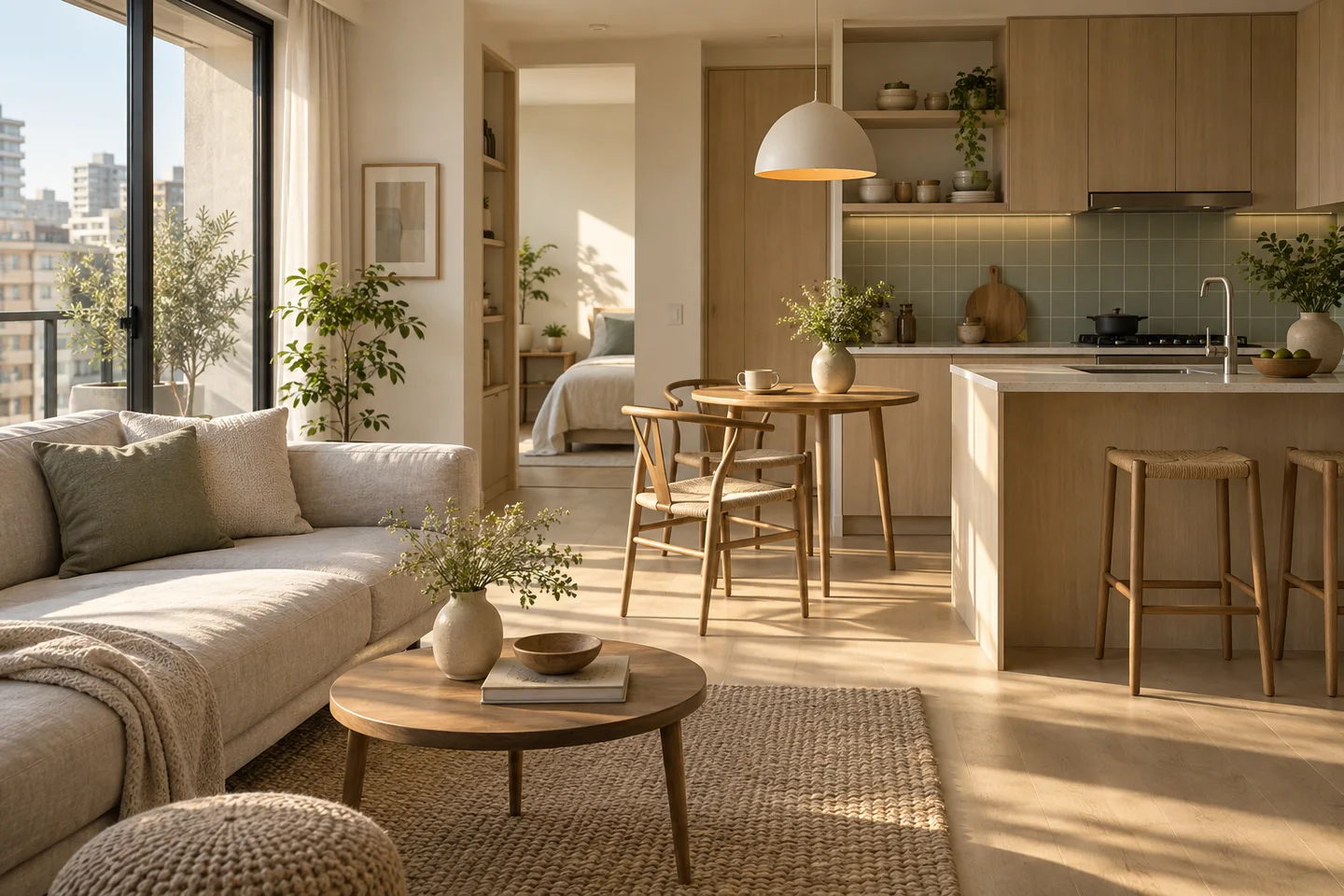
- This is an illustrative photograph selected for editorial use. People pictured are not presented as actual LIVIA staff or customers, and the image does not represent a listed property.
- Publisher's role
- LIVIA publishes this article as a rental service provider. It includes information and links introducing our properties and related services.